
Verified contractors, on a map you can trust.
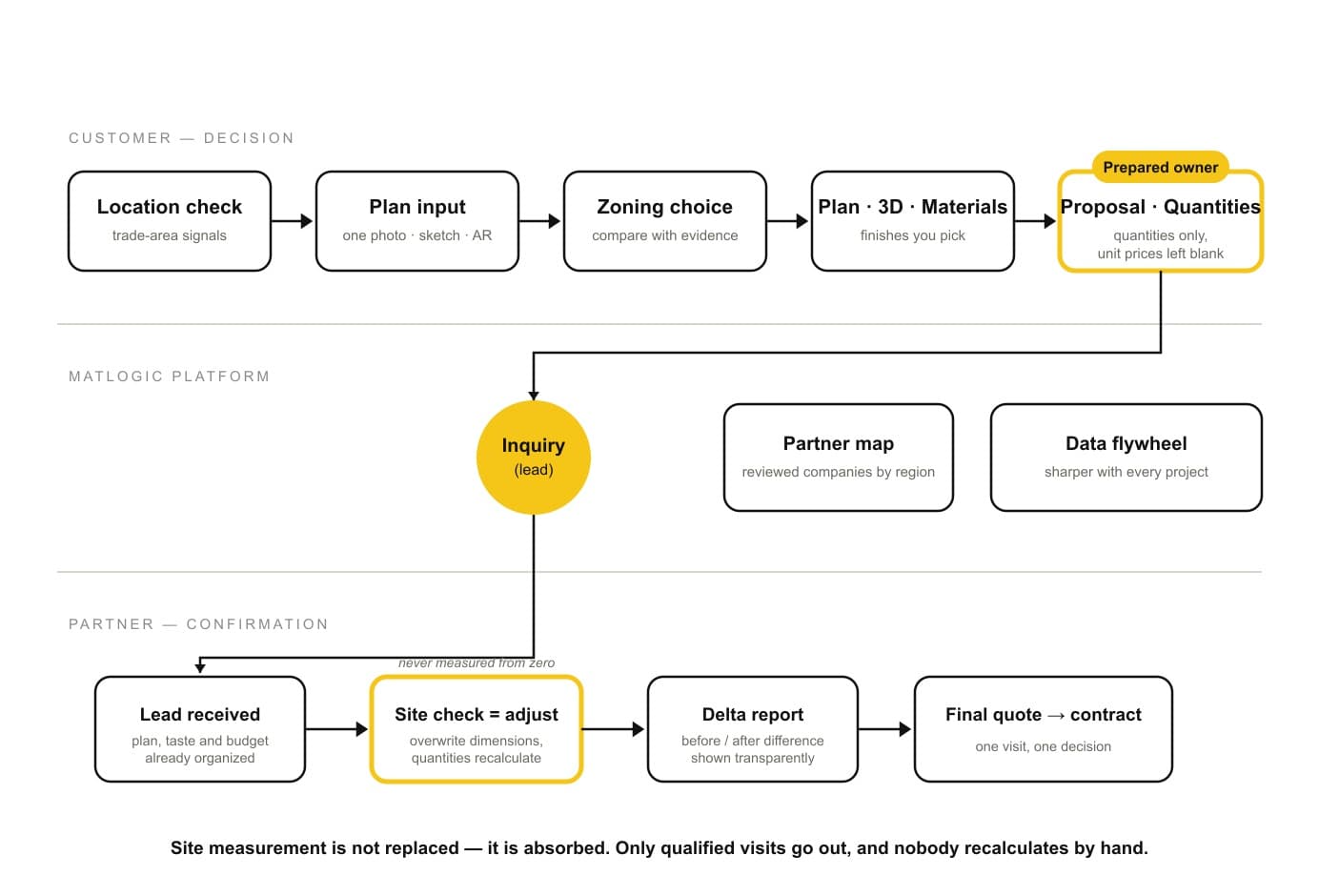
MATLOGIC now has a Partner directory — construction companies that build quotes and proposals with MATLOGIC, shown region by region on a dark map. Every listing is reviewed before it goes public, and every partner pledges to answer quantity-sheet based quote requests.
What’s new
- Partner map: browse approved partners by region — pins carry each company’s accent color, and empty regions show open founding-partner seats
- Company profiles: a representative photo the partner uploads directly, an intro, and a portfolio feed — click a post to read a blog-style case detail next to the map
- Partner studio: approved partners get a management menu to edit their profile, upload photos, and publish portfolio posts from three sources — MATLOGIC projects, uploaded case photos, or external links
- Founding partner program: the first year of listing is free; paid plans will be announced in advance with founding-partner preference
Partner listings are introductions, not endorsements — MATLOGIC is not a party or guarantor to construction contracts. Raw source drawings are never exposed in partner content.
The diagram above shows the full workflow we are building toward with founding partners — the site-check adjustment step ships next.
Share your work. Start conversations.
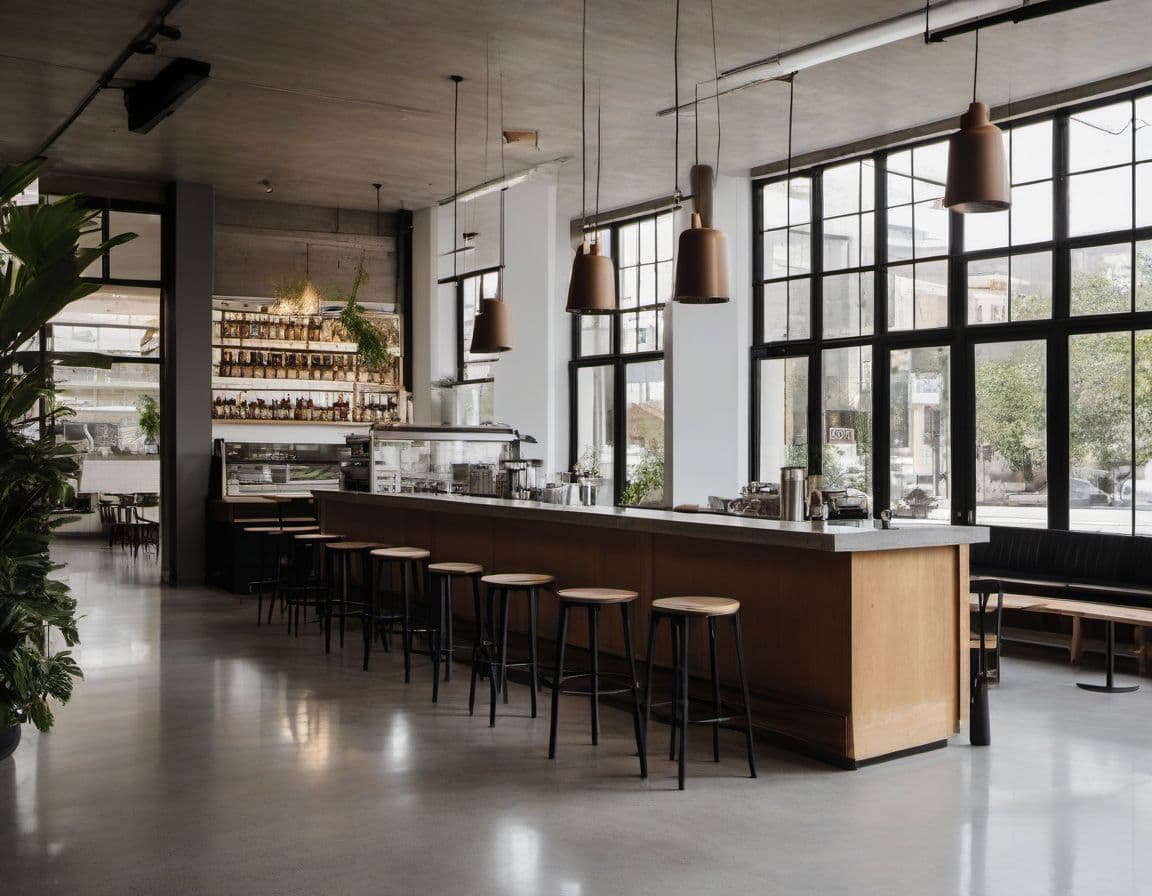
Explore is now a community showcase. Publish a project and its derived render snapshot becomes a public post that every signed-in member can see — a place to show finished work, exchange feedback, and propose collaboration.
What’s new
- Explore feed: real published projects with their render snapshots — browse what other members are building
- Post detail: render slider, likes, comments, and copy-link sharing on every public post
- Comments: ask a question or propose collaboration directly on a post; comment authors and post owners can remove comments from their threads
- Notifications: likes, comments, and collaboration invites now arrive in the ⚡ panel in the header
- Share: invite collaborators by email with view or edit access, manage people with access, and issue a controlled read-only link from one dialog
Publishing stays opt-in per project. A public post exposes only whitelisted derived assets — renders and shared 3D captures, never raw source drawings — and unpublishing removes the post immediately.
Your zones, your call.
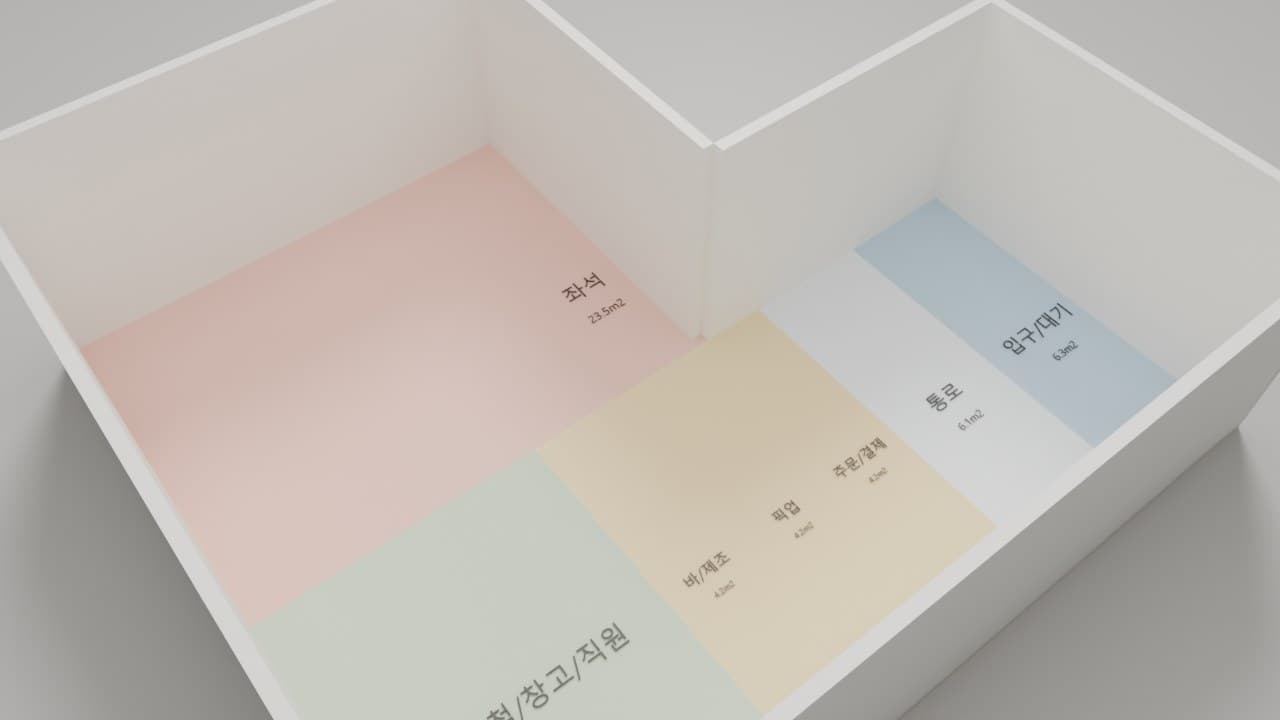
Zoning alternatives are a starting point, not a verdict. From this patch you can reshape the zone program itself — then ask the engine to solve again on your terms.
What’s new
- Zone editing panel: open “Edit zones” in the zoning rail to add, remove, or rename zones and adjust each group’s target share
- Add your own zone with a family hint and a target area — for example a kids corner or a package pickup nook — and the next generation places it with the matching shape rules
- Nothing is replaced silently: your current alternative set is preserved as the previous basis, and new alternatives are generated only when you ask
- In-unit restroom default updated: most Korean commercial leases rely on shared building restrooms, so unit plans no longer assume an in-unit restroom by default (karaoke, bar, and fitness programs keep it). Need one? Add it back with a single zone edit
- Zone shape quality: counters, pickup, and service zones now follow per-zone width and proportion rules instead of collapsing into thin strips
Every edit is normalized with visible warnings, and every result keeps its solver provenance. MATLOGIC remains a judgment aid — you decide, the engine shows its work.
Smarter Assets. Smoother Workflow.
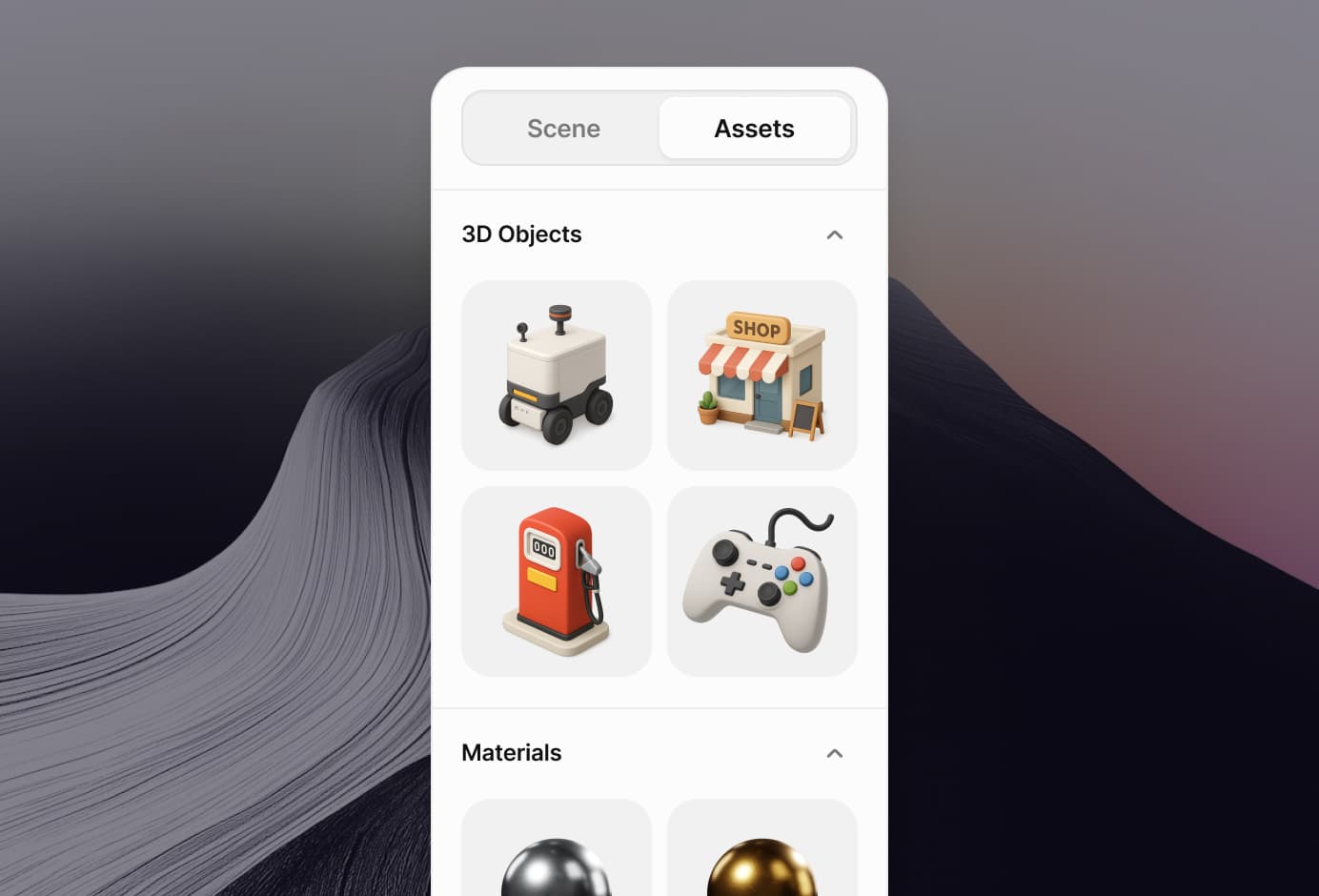
The workspace evidence library keeps plan-derived assets, operating notes, zoning outputs, and review artifacts in one place without exposing raw source drawings in customer packages.
What’s new
- Unified Search: Browse by type, theme, or prompt tags — all in one place
- Smart Categories: plans, field notes, zoning outputs, visuals, and material boards — now grouped by workflow
- Derived Preview: inspect redacted workspace evidence before adding it to a package
- Favorites & History: Quickly find what you used or loved before
- Workflow Labels: each artifact is tied to the MATLOGIC review step that produced it
This is part of the MATLOGIC operating review workflow: preserve internal source control while giving customers readable derived evidence.
More Looks. More Control.
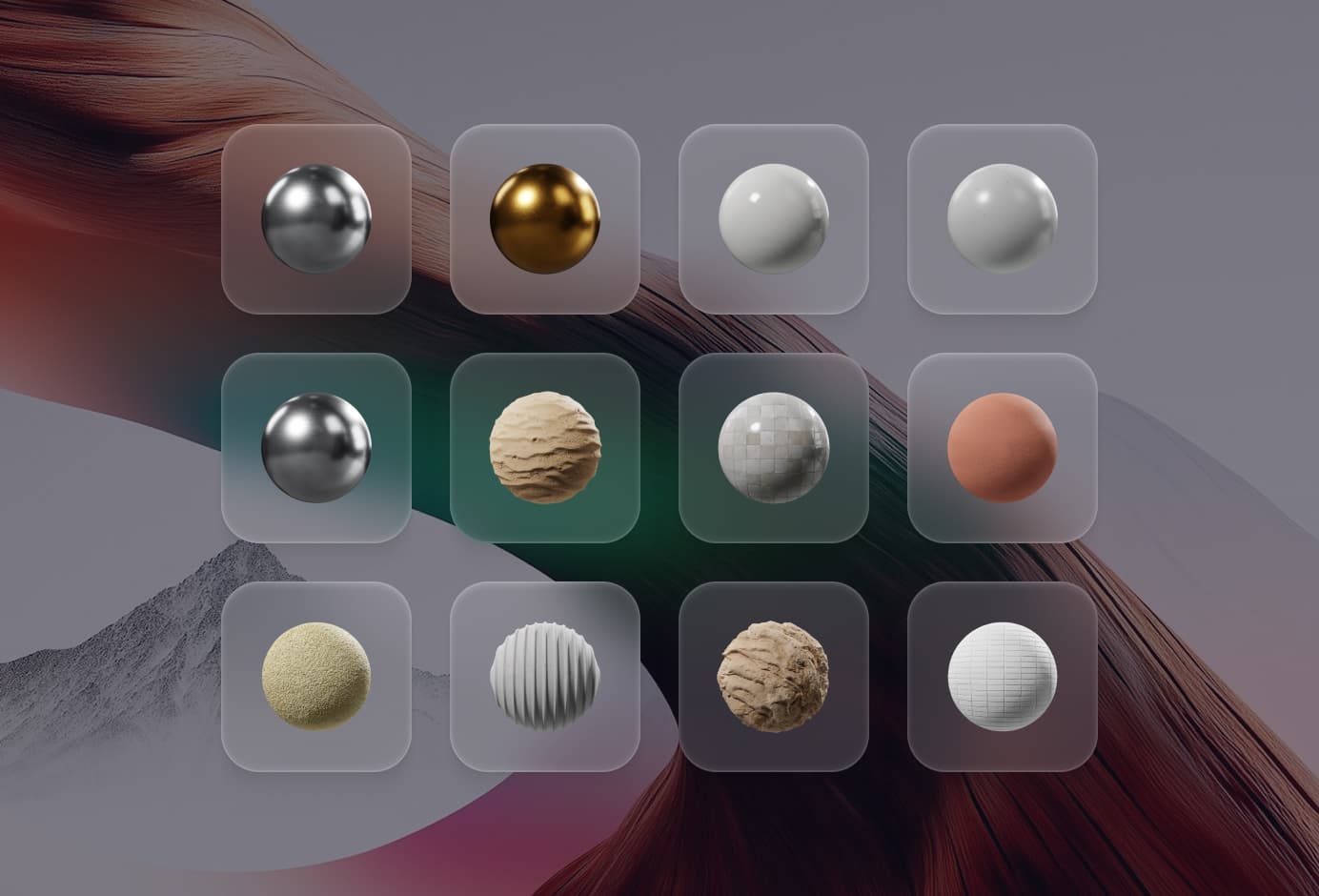
MATLOGIC material boards connect generated visuals, public catalog references, and reviewer notes for commercial-space package review.
What’s new
- 40+ New Materials: From brushed metal to soft fabric, wet clay to neon glass
- Material Preview Panel: inspect finish direction by zone before package review
- Reviewer Notes: separate internal assumptions from customer-facing material guidance
- Material Suggestions: curate finishes from the workspace visual and zoning context
- Package Control: decide which colors and finishes move into customer review
The board remains an operational judgment aid, not a raw drawing export or CAD replacement.